How Many Times Should I Remind Customers About a Preorder Before It Ships?
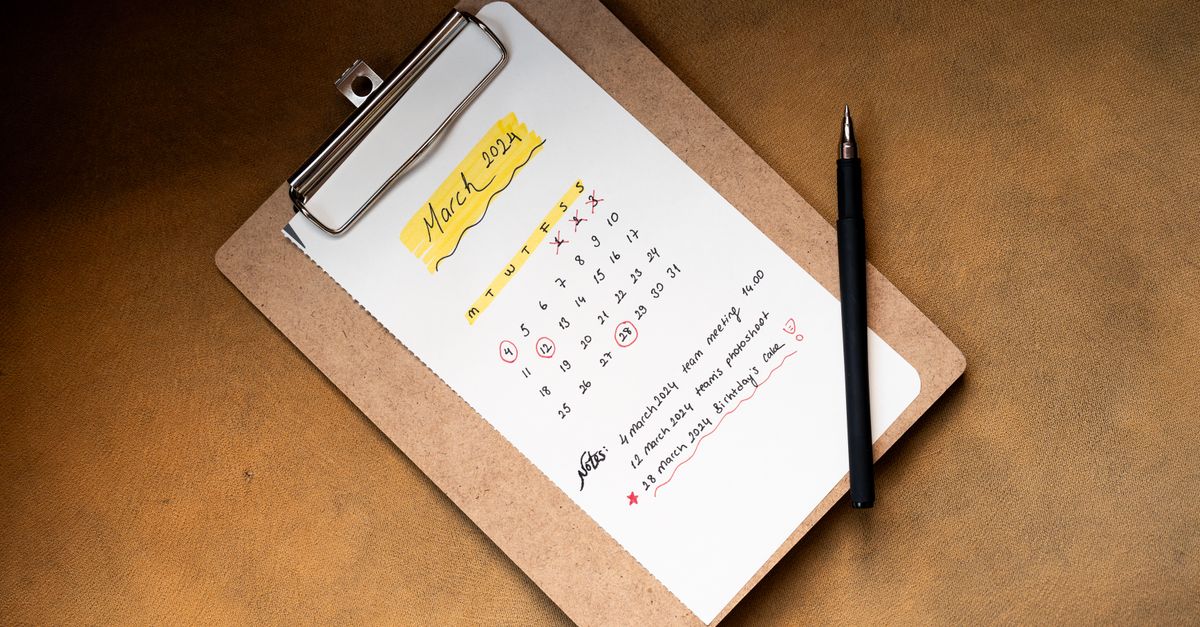
Send 3 to 5 preorder reminders before shipment
Most stores do best with 3 to 5 preorder reminders before an order ships. That usually means the purchase confirmation, a check-in during the wait, a reminder a few days before shipping, and an extra message if the ship window changes or a delay shows up.
That range works because preorder customers are not the same as back-in-stock subscribers. A back-in-stock alert is a short burst of demand capture. A preorder is a waiting period, and waiting creates questions.
If you sell on OpoShop, the goal is simple: keep customers informed before they feel the need to ask. That is how you cut down on "where is my order?" tickets without flooding inboxes.
What counts as a preorder reminder?
A preorder reminder is any proactive update sent after purchase and before shipment to tell the customer what is happening with the order. It is separate from the initial order confirmation and separate from the shipment notification that goes out once the package actually leaves.
That distinction matters. The order confirmation says, "We got your order." The shipping email says, "Your package is on the way." Preorder reminders fill the gap in the middle.
Good preorder reminders usually include three things:
- what the customer ordered
- the current expected ship window
- whether anything changed since the last update
A lot of merchants blur these together and assume the confirmation email is enough. It usually is not. If the customer is waiting two weeks, four weeks, or longer, silence starts to feel like uncertainty.
Why does preorder reminder cadence matter for ecommerce stores?
Preorder reminder cadence matters because customers handle waiting much better when the store sets expectations before anxiety kicks in. Good timing builds trust, lowers cancellation risk, and cuts support tickets that eat up your day.
The pattern is easy to miss. Customers do not always complain right away. They wait, wonder if the order was forgotten, then email support.
That is the real cost of weak communication. Not just a frustrated customer, but a support queue full of preventable questions.
For stores dealing with sold-out products, incoming inventory, or supplier delays, preorder communication also sets a different expectation than waitlists or back-in-stock alerts. Waitlist subscribers expect one alert when the item is available. Preorder buyers already paid, so they expect steady reassurance until the product ships.
If you run your store on OpoShop, this is one of those quiet systems that makes the whole business feel more put together. Customers notice when preorder communication is calm, clear, and on time.
How do you decide how many preorder reminders to send before it ships?
The right number of reminders comes from the length of the wait, the certainty of your timeline, the order value, and the reason for the preorder. Short waits need fewer touches. Long waits need more reassurance.
A simple way to decide is to look at five factors:
Here is the practical version.
If the lead time is short and the ship date is firm, you can keep it tight. If the lead time is long or the supplier keeps slipping dates, you need more touchpoints even if the update is just, "No change, still on track for the week of May 12."
And yes, you should sometimes send an update even if nothing changed. Customers are not tracking your internal calendar. They are tracking the fact that they paid and are still waiting.
A useful way to think about it is this: send the next update before the customer starts wondering. Not after.
If you are building a cleaner communication flow in your OpoShop store, start with the timeline first. The emails get much easier once the schedule is clear.
If you're deciding how to handle preorder demand and sold-out demand in the same store, it helps to keep the systems clean and separate.
What are the best preorder reminder cadences by timeline?
The best preorder reminder cadence changes with the length of the preorder window. Short timelines need about 3 touches, medium timelines usually need 4, and long timelines often need 5.
Here is a simple cadence table you can use.
| Preorder timeline | Recommended cadence | What to send |
|---|---|---|
| 1 to 2 weeks | 3 touches | Confirmation, one midpoint update, pre-shipping reminder |
| 3 to 6 weeks | 4 touches | Confirmation, early progress update, midpoint update, pre-shipping reminder |
| 7+ weeks | 4 to 5 touches | Confirmation, early reassurance update, midpoint update, pre-shipping reminder, delay or status-change update if needed |
A short two-week preorder does not need constant reminders. One confirmation, one update around day 5 to 7, and one reminder shortly before shipping is usually enough.
A four-week preorder needs more structure. Customers have enough time to forget the exact promise, so a week-one or week-two update helps keep the order top of mind in a good way.
A long supplier-delay preorder is different again. If customers are waiting eight weeks or more, silence for a month is too long even if nothing changed. A simple "still on track" message is often the difference between confidence and concern.
Here is what that can look like in plain language:
- Short lead time: order day, halfway point, 2 to 3 days before shipping
- Medium lead time: order day, week 1, week 3, 3 to 5 days before shipping
- Long lead time: order day, week 1, every 2 to 3 weeks after that, final pre-ship update, plus any delay notice as soon as it is known
How often is too often for preorder reminder emails? Daily or near-daily is too much for most stores unless there is an active issue that customers need to act on. If every message says the same thing and adds no clarity, you are training customers to ignore you.
What preorder communication mistakes should you avoid?
Most preorder communication problems come from either over-emailing or disappearing for too long. Both create friction, just in different ways.
The common mistakes are pretty consistent:
- sending too many reminders in a short window
- going silent for weeks during a long wait
- using vague ship windows like "coming soon"
- waiting too long to mention a delay
- sending the same update to every preorder customer, even when timelines differ
The segmentation piece matters more than a lot of merchants expect. A customer who ordered an item shipping next week should not get the same note as a customer waiting on a supplier container due next month.
Here is a weak-versus-strong example.
Weak: "Your preorder is being processed. We will update you soon." Stronger: "Your preorder for the spring restock is still on track to ship the week of June 10. We will send the next update by June 3, even if that timeline stays the same."
That second version does two things well. It gives a real ship window, and it tells the customer when the next message will arrive.
If you sell on OpoShop, segmenting preorder customers by expected ship date is worth the effort. It keeps your messages relevant and keeps your support inbox cleaner.
What do we recommend for most Shopify merchants?
We recommend a default 4-touch cadence for most merchants: confirmation, midpoint update, pre-shipping reminder, and a delay or on-track update if anything changes. Email should do most of the work, and SMS should be saved for urgent timeline changes or very close-to-ship reminders.
Yes, the heading says Shopify merchants in the plan. The advice still fits merchants running stores on OpoShop. The store platform matters less than the communication rhythm.
Here is the default cadence we would use for most preorder setups:
- Order confirmation: right after purchase, with the expected ship window clearly stated.
- Midpoint update: halfway through the wait, even if the date has not changed.
- Pre-shipping reminder: 2 to 5 days before the expected ship date.
- Delay or on-track update: only if the timeline changes, or if the order is in a long wait window and needs reassurance.
Email should be the main channel because preorder updates are usually informational, not urgent. SMS works best when the message is time-sensitive, like "shipping this week" or "ship date moved from Friday to next Tuesday."
You do not need to send every reminder by both email and SMS. That is where stores start to feel noisy.
Best answer: Most preorder customers should hear from you 3 to 5 times before shipment, with 4 touches as the default for most stores. Build the schedule around the actual wait time, send email first, and add SMS only for urgent changes or close-to-ship updates. A repeatable system beats one-off messages every time.
If you want a cleaner way to structure preorder communication inside your OpoShop store, start by building the cadence before the next sellout happens.
FAQs
Should I send preorder updates even if nothing has changed?
Yes. A short "still on track" update is often better than silence, especially for preorders longer than two weeks. Customers want reassurance, not just change notices.
What is the best cadence for a long-lead-time preorder?
A long-lead-time preorder usually needs 4 to 5 touches before shipment. Start with confirmation, send an early reassurance update, check in every 2 to 3 weeks, then send a final pre-shipping reminder.
How close to the ship date should I send the final reminder?
The final reminder usually works best 2 to 5 days before the expected ship date. That timing feels close enough to be useful without creating confusion if fulfillment starts in batches.
Should preorder reminders go by email, SMS, or both?
Email should be the default channel for most preorder reminders. SMS is better for urgent changes, final timing notices, or high-sensitivity orders where customers expect a faster alert.
What should I do if the preorder ship date changes?
Send the update as soon as you know the ship date changed. The message should explain the new window, what changed, and when the next update will arrive.
How can I reduce support tickets from preorder customers?
Reduce support tickets by sending clear updates before customers feel the need to ask. Real ship windows, midpoint check-ins, and fast delay notices do more than generic "we'll keep you posted" emails.
Summary
Most merchants should send 3 to 5 preorder reminders before shipment, with 4 touches as the default. The sweet spot is enough communication to remove uncertainty, without turning every wait into an email drip that annoys people.
Short waits need fewer messages. Long waits need steady reassurance. And if a supplier timeline slips, the update should go out right away, not after customers start asking.
For OpoShop merchants, the next step is to turn this into a repeatable system for preorders, waitlists, and sold-out inventory communication.
Want a cleaner way to capture demand and communicate availability? See how OpoShop can support a smoother customer experience from sellout to shipment.


